GTA San Andreas and MTA:SA weather
Weather ID 19
Sandstorm, Desert
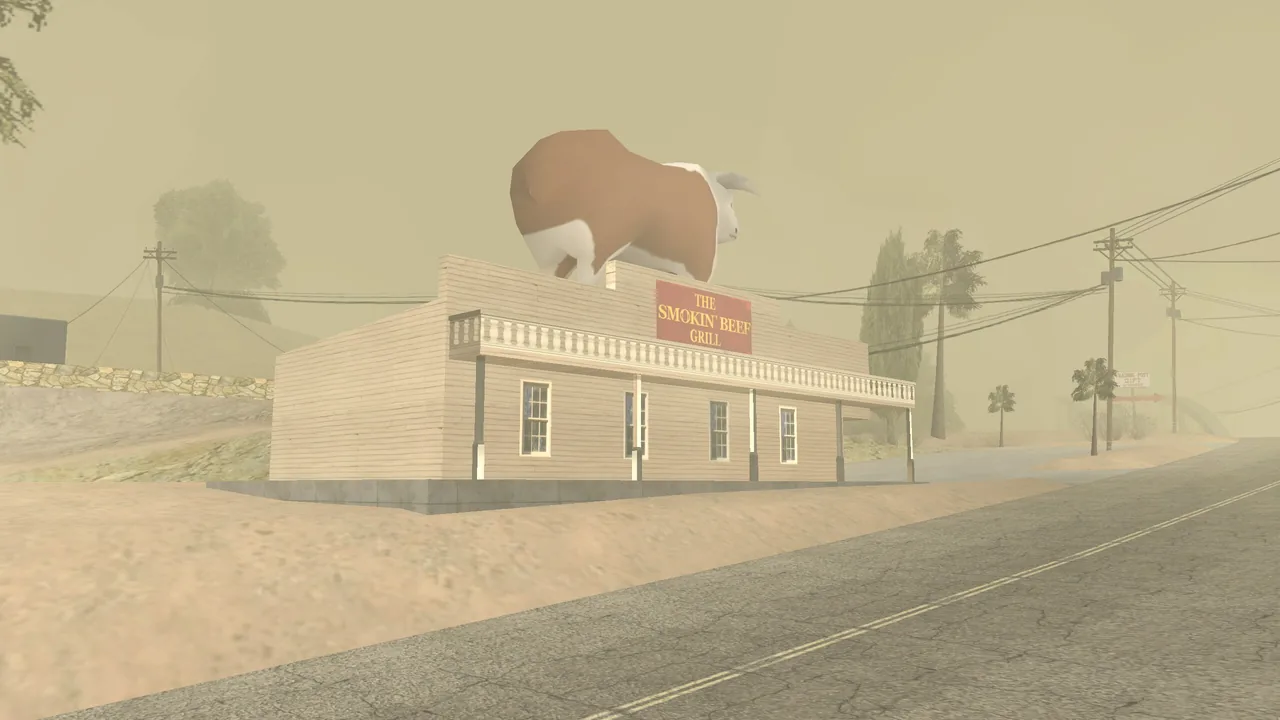
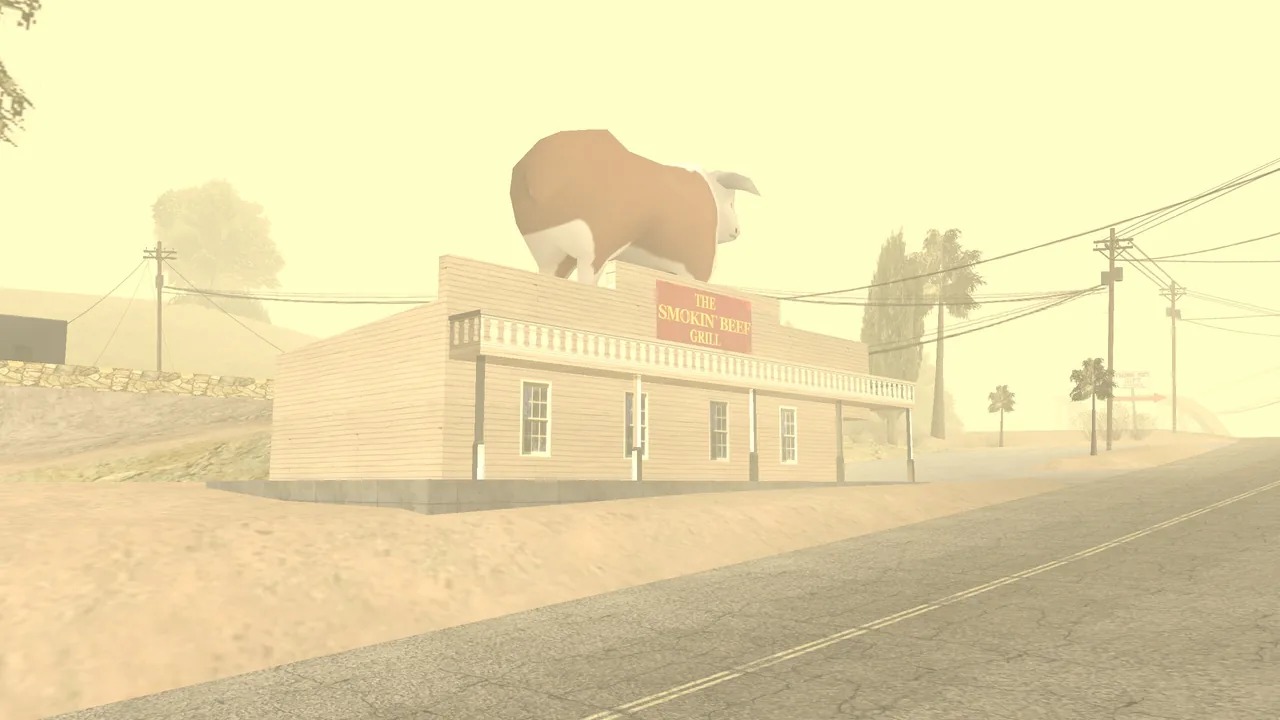
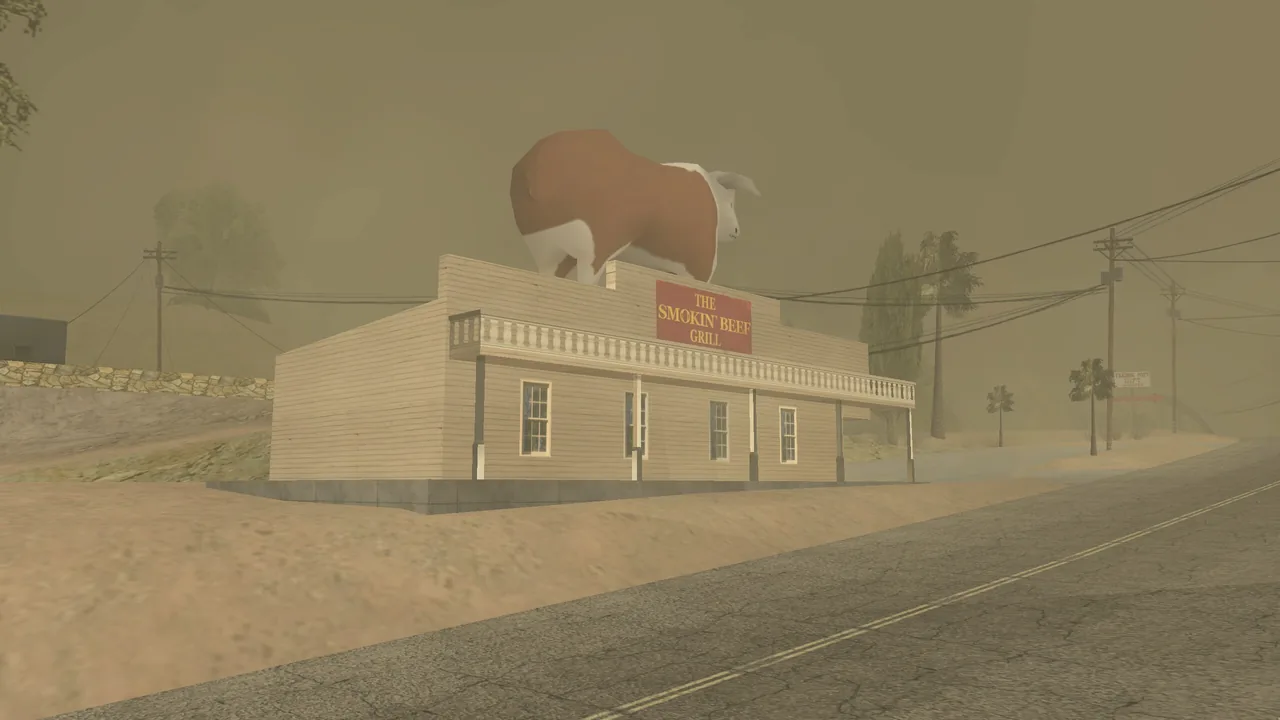
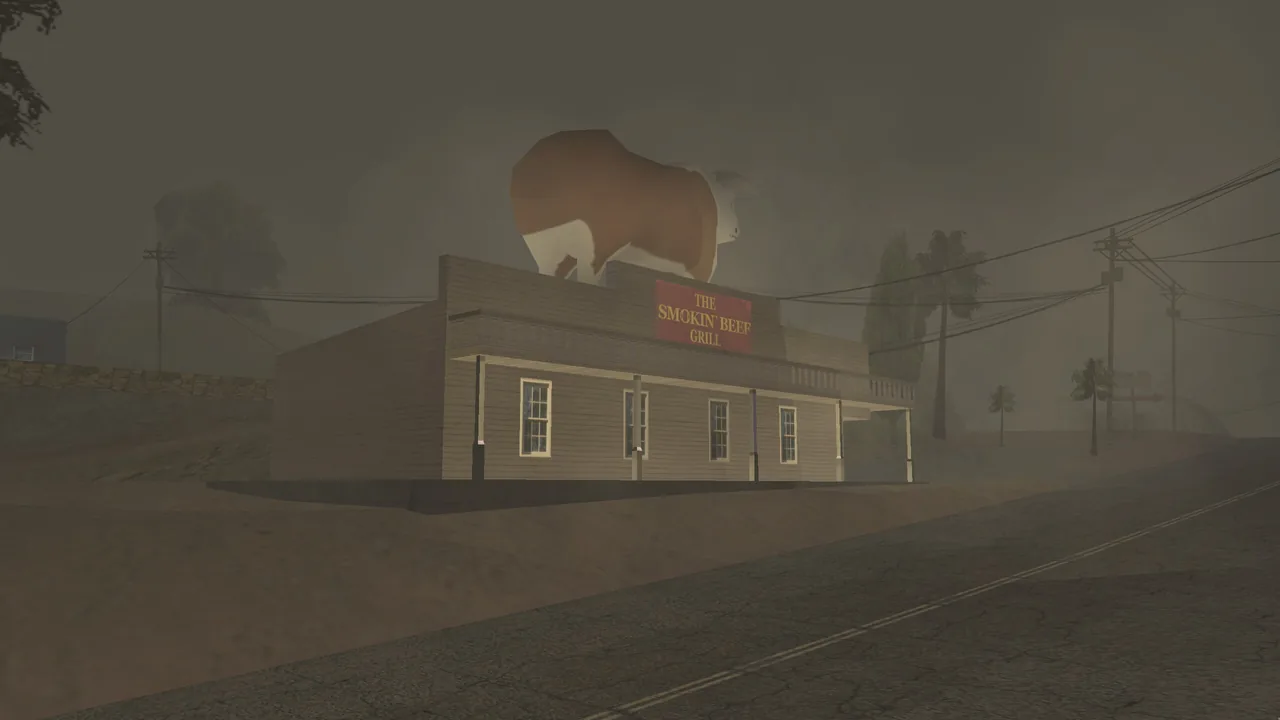
A sandstorm. It hides everything that is far away.
- Weather ID
- 19
- Name
- Sandstorm, Desert
- Name in the game
SANDSTORM_DESERT- Pictures taken at
- Las Barrancas, Tierra Robada
On CIT
- Type
/weather, or open the Weather app on CITPhone. The weather panel opens. - Type 19 in the weather panel.
MTA:SA code
Change the weather for everyone (server) or for one player (client), right away or blended in slowly:
setWeather(19)setWeatherBlended(19)Sky colors through the day
| ID | Weather Name in the game | Sky color at hour 00 05 06 07 12 19 20 22 |
|---|---|---|
| 19 | Sandstorm, Desert SANDSTORM_ |
All weather IDs · More about /weather on CIT
Where this comes from
- The pictures: real screenshots, taken in MTA:SA on 6 October 2026 on a private test server. The weather was set with setWeather and the clock was set to the hour shown.
- GTA San Andreas timecyc.dat (the name and the sky colors), read from an installed copy of the game
- MTA wiki: setWeather
- MTA wiki: setWeatherBlended
- CIT (the /weather panel)
Checked on 6 October 2026.